The framework contains Resources/Info.plist. REA inventories that file, then reports info_plist_path: null in its Apple application graph. Moving the plist would change the application you are investigating and is unnecessary.
We reproduced this mismatch in REA 6.8.0 with a generated macOS app containing a flattened framework. The tested source build finds the plist in Resources/ and keeps root-level Info.plist precedence when both locations exist.
Recognize this layout
The affected fixture looks like this:
Sample.app/Contents/Frameworks/Core.framework/
  Core
  Resources/
    Info.plist
There is no Versions/ directory. REA calls this layout shallow. In the affected release, its plist lookup searched only the framework root. The file was present in the inventory; the missing value came from the graph projection.
What we tested
We created four app-directory fixtures on macOS: a Resources-only plist, a root-only plist, both locations, and neither location. The executables are copies of this Mac’s /usr/bin/true; they were never executed. These are generated layout tests, not a claim that we tested four installed applications. The download contains the creation recipe rather than copies of Apple’s binary.
The comparison used Node 24.22.1 on macOS 26.6.2 arm64, published rea-agents@6.8.0, and source commit b1ff7cdacc03110d51bcac33da3cbb7850ac27fc. Both manifests say 6.8.0; the version string alone does not identify the fix. We have not established which later npm release first includes it.
Every numbered step includes a real terminal screenshot of the test harness output, with arrows only. The downloadable test kit retains the full CLI responses and executable assertions. The fixtures are deliberately small so the checked behavior is clear.
1. Build disposable framework layouts
Extract the kit as rea-framework-test. With Node 24.22.1 active, build a sibling source checkout and install the pinned comparison package:
git clone https://github.com/morluto/rea.git rea-upstream-test
cd rea-upstream-test
git checkout b1ff7cdacc03110d51bcac33da3cbb7850ac27fc
npx --yes npm@11.16.0 ci
npx --yes npm@11.16.0 run build:cached
cd ../rea-framework-test
npm ci
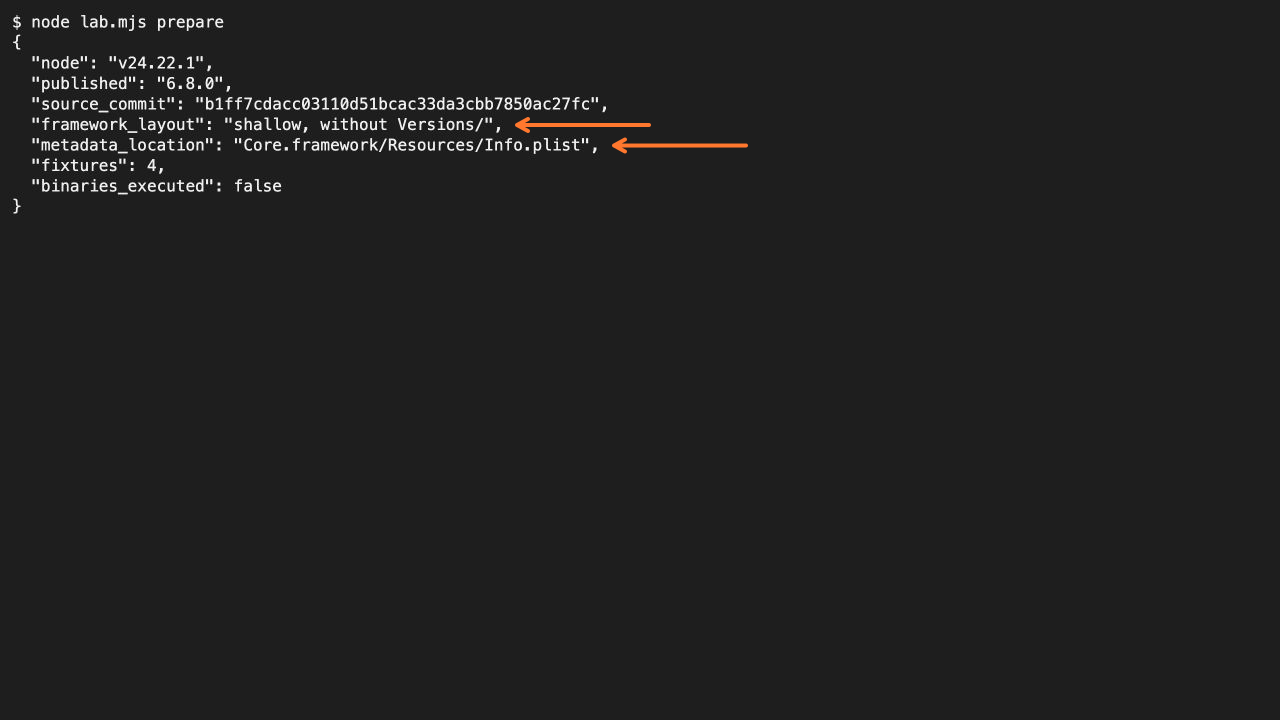
node lab.mjs prepare
Set REA_SOURCE to the source checkout path if it is elsewhere.
The kit creates the four layouts locally. Keep these fixtures separate from any app you are investigating. Preparation copies the host executable and writes small XML plists; it does not launch a bundle or modify an installed app.
2. Confirm the missing projected path
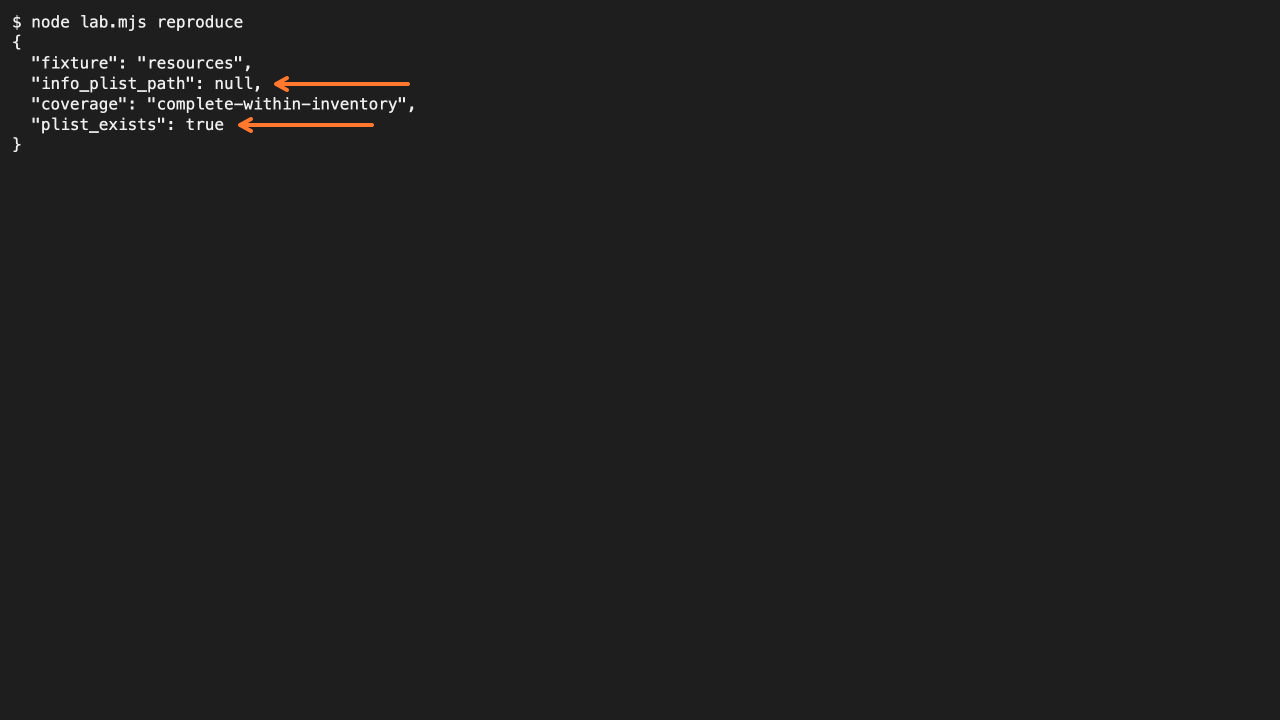
node lab.mjs reproduceThe harness calls inspect-artifact, saves its Evidence, then passes that inventory into project-apple-application-graph.
It asserts that the Resources-only framework returns a null plist path even though the file exists. The projection reports complete-within-inventory; that coverage label did not prevent this incorrect field. Coverage describes the inventory boundary, not a guarantee that every projected value is correct.
3. Project the unchanged app with the fixed source
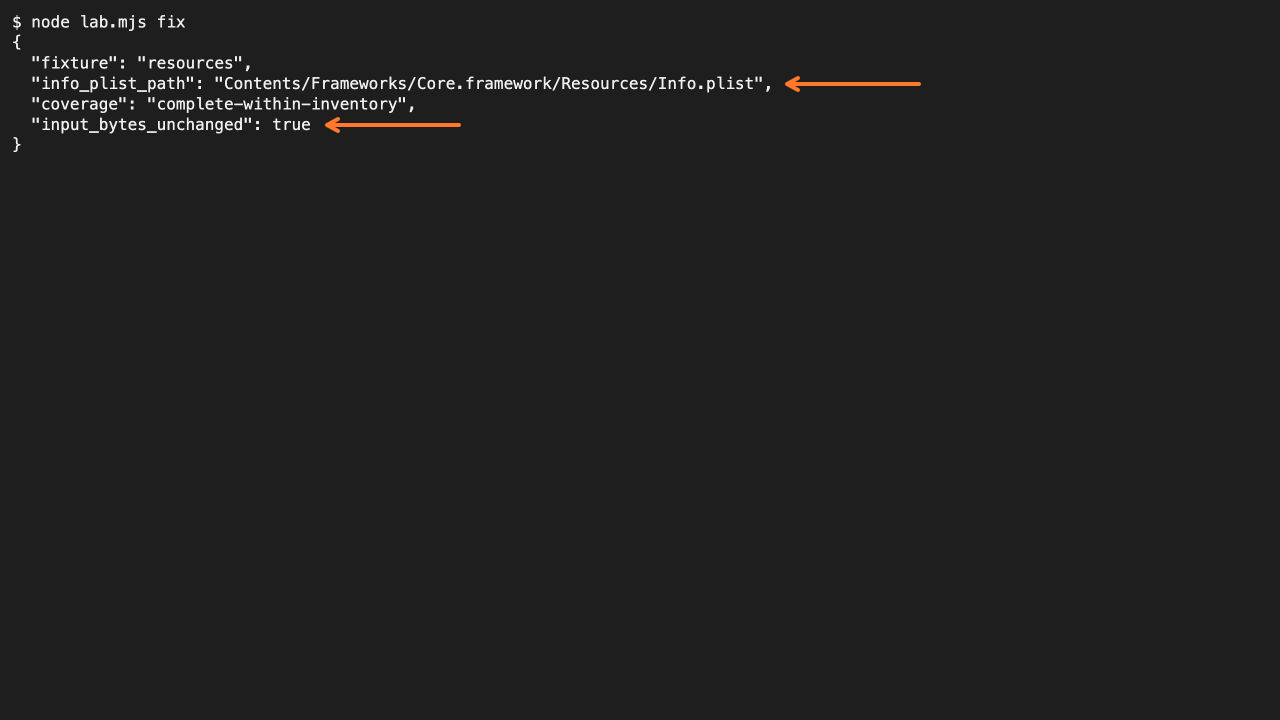
node lab.mjs fixThe source build must return Contents/Frameworks/Core.framework/Resources/Info.plist and retain complete-within-inventory coverage. Input-directory hashes must remain unchanged.
For your own app, save the inspect-artifact result, then create a JSON request with inventory_evidence: [thatResult]. Pass that request file to the source checkout:
node ../rea-upstream-test/scripts/rea.mjs project-apple-application-graph request.json --format jsonThe returned plist path is relative to the inventoried app root. Read that exact file when following up on bundle metadata; a null projected field alone is not proof the file is absent.
4. Verify precedence and genuine absence
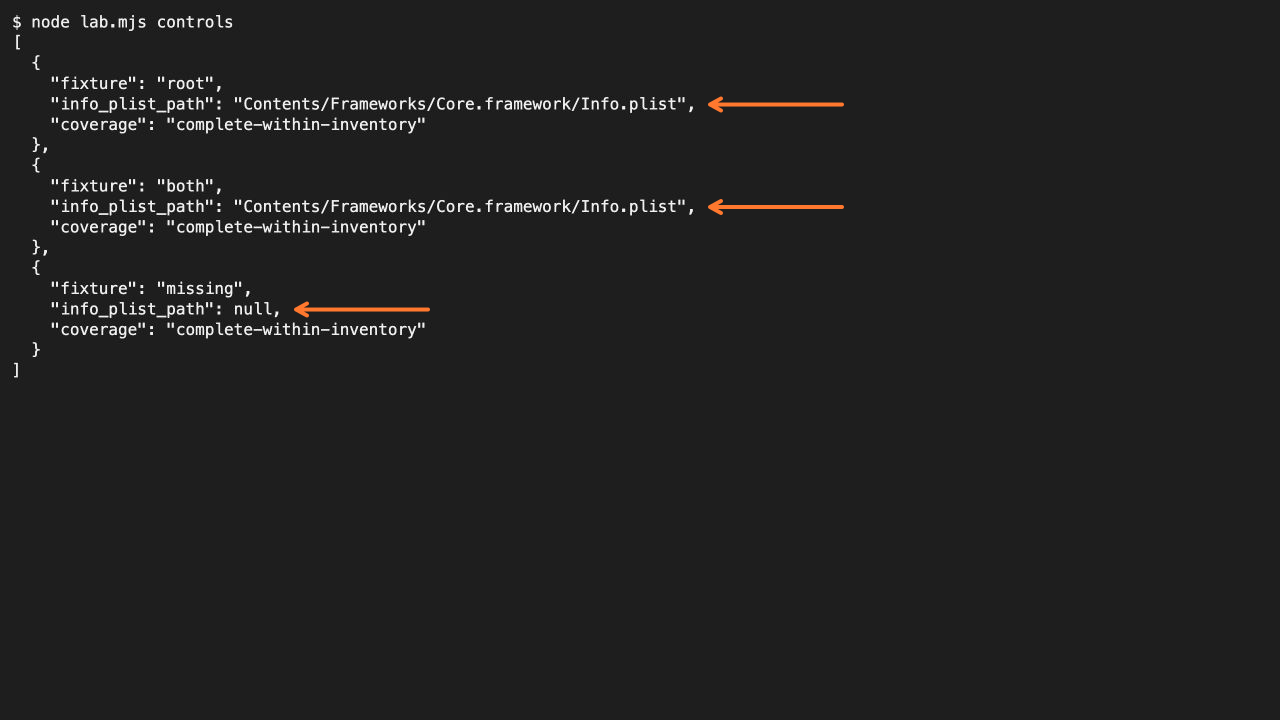
node lab.mjs controlsWith only a root plist, REA keeps the root path. With both locations, it still chooses the root path. With neither location, it returns null. The fix therefore adds a fallback rather than blindly inventing a Resources path.
Our tests do not validate code signing or loading behavior. A fixture containing an executable is not evidence that its bundle is launchable, correctly signed, or safe to execute.
For a broader investigation, keep the evidence checklist beside the result and preserve unknowns when following relationships.